Clear answers · no guesswork
The short answer
Useful answers, local options and the details to check.
Does the demo upload my photos?
No. It prepares enquiry text only. You add photographs yourself in email and decide whether to send the message.
01 / Good to know
Take a wide view first
Stand somewhere safe and show the whole pile or room. If the job spans several rooms, send one wide photograph for each and label them. Include items behind furniture rather than only what is easy to see.
02 / Good to know
Add close-ups of special items
Show appliances, upholstered furniture, heavy materials and any existing damage. Do not open unknown containers, climb into an unsafe loft or disturb suspect asbestos to get a better picture.
03 / Good to know
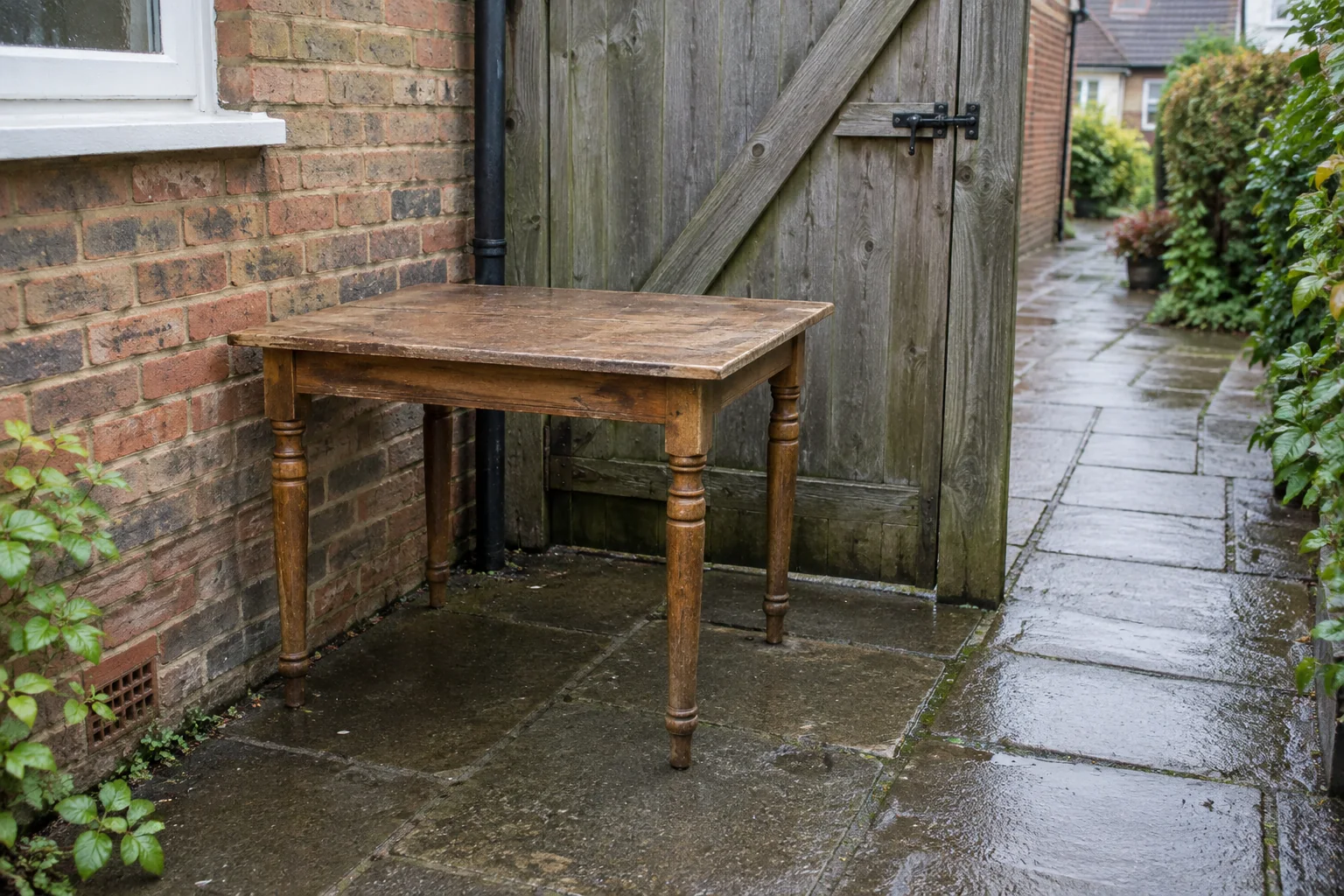
Photograph the way out
Include stairs, tight doorways, side gates and the distance to parking. Explain lift availability and any building restrictions. A close-up of a sofa cannot show whether it will fit down the stairs.
04 / Good to know
Keep the message useful and private
Send your postcode, rough amount and preferred timing. Avoid sharing unnecessary personal paperwork, faces or sensitive information in the photos. Attach the images in email after preparing your enquiry text.